

How memberships work
- You create a plan with a price, billing frequency, and what’s included.
- You enroll a customer and collect their payment method.
- The CRM bills automatically on each renewal date through Stripe.
- Customers use their included services; you track everything in one place.
Creating a plan
1
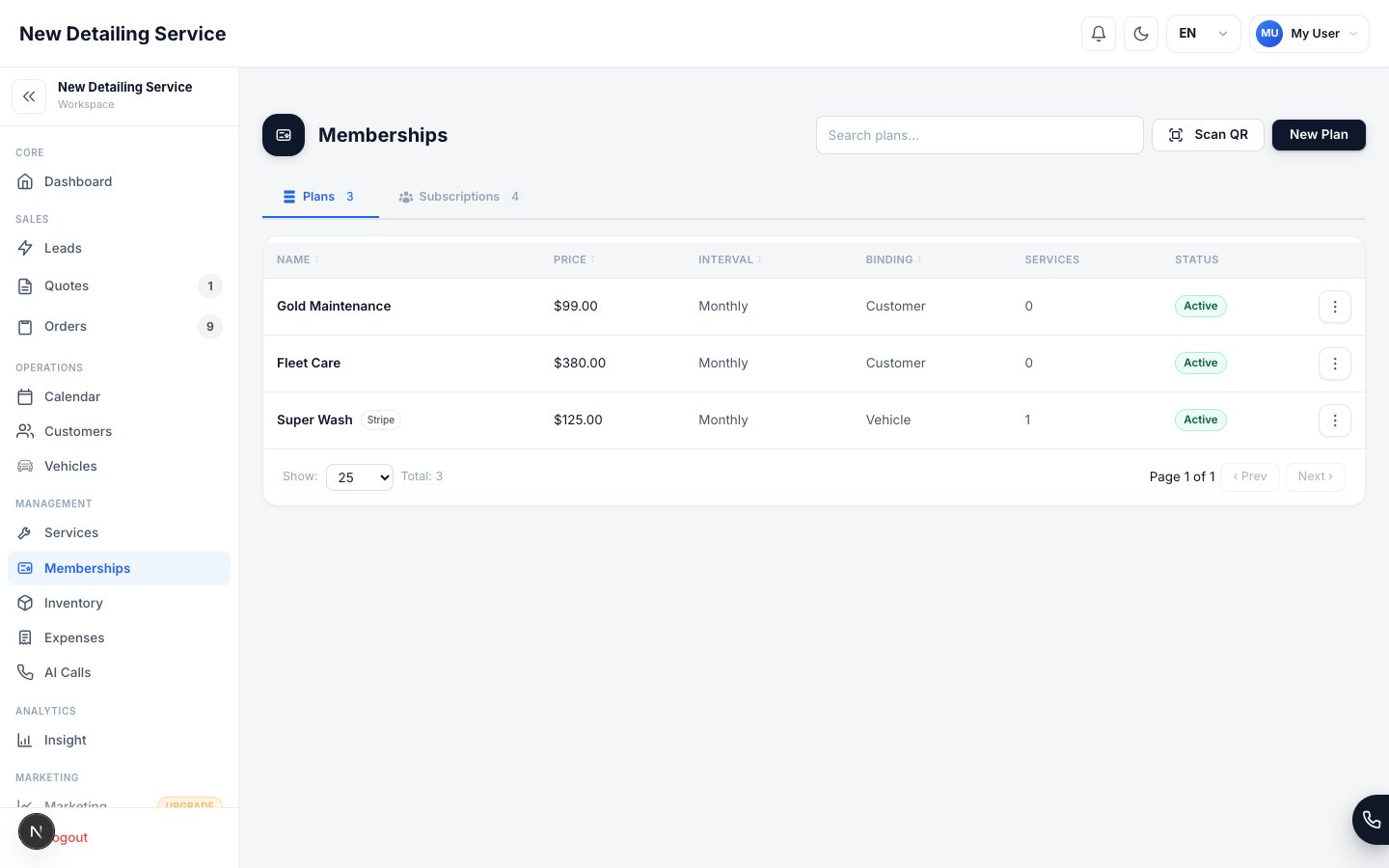
Open Memberships
Go to Memberships in the main menu.
2
Create a new plan
Set the plan name, price, and billing frequency (for example, monthly).
3
Define what's included
Choose which services are included and any limits (for example, “up to 4 washes per month”).
4
Save
Your plan is ready to enroll customers.
Enrolling a customer
You can enroll a customer from the Memberships screen or from their Customer Portal. You’ll collect a payment method, which is stored securely by Stripe (never on our servers — see Payments & Card Security).Automatic billing & renewals
Once enrolled, the customer is charged automatically each billing cycle. You can configure renewal reminders in Settings → Memberships.What happens when a payment fails
What happens when a payment fails
If a renewal charge fails (an expired card, for example), you’ll be able to see it and follow up with the customer. A membership whose payment can’t be collected can be paused or canceled from the customer’s membership record. You can also set up renewal reminders in Settings → Memberships to nudge customers before a charge is due.
Pausing and canceling
You can pause a membership (for a customer who’s traveling) or cancel it entirely. Both are done from the customer’s membership record.Customer Portal
Manage a customer’s memberships in one place.
Payments
How payments are collected.
Services & pricing
Define the services included in plans.
Insights
Track recurring revenue.