

Your customers’ card numbers never touch our servers.Card processing is handled by Stripe. Customer card details are sent directly to Stripe and are not stored by Auto Detailing CRM. When a customer pays, their card details go straight to Stripe — not into our system.
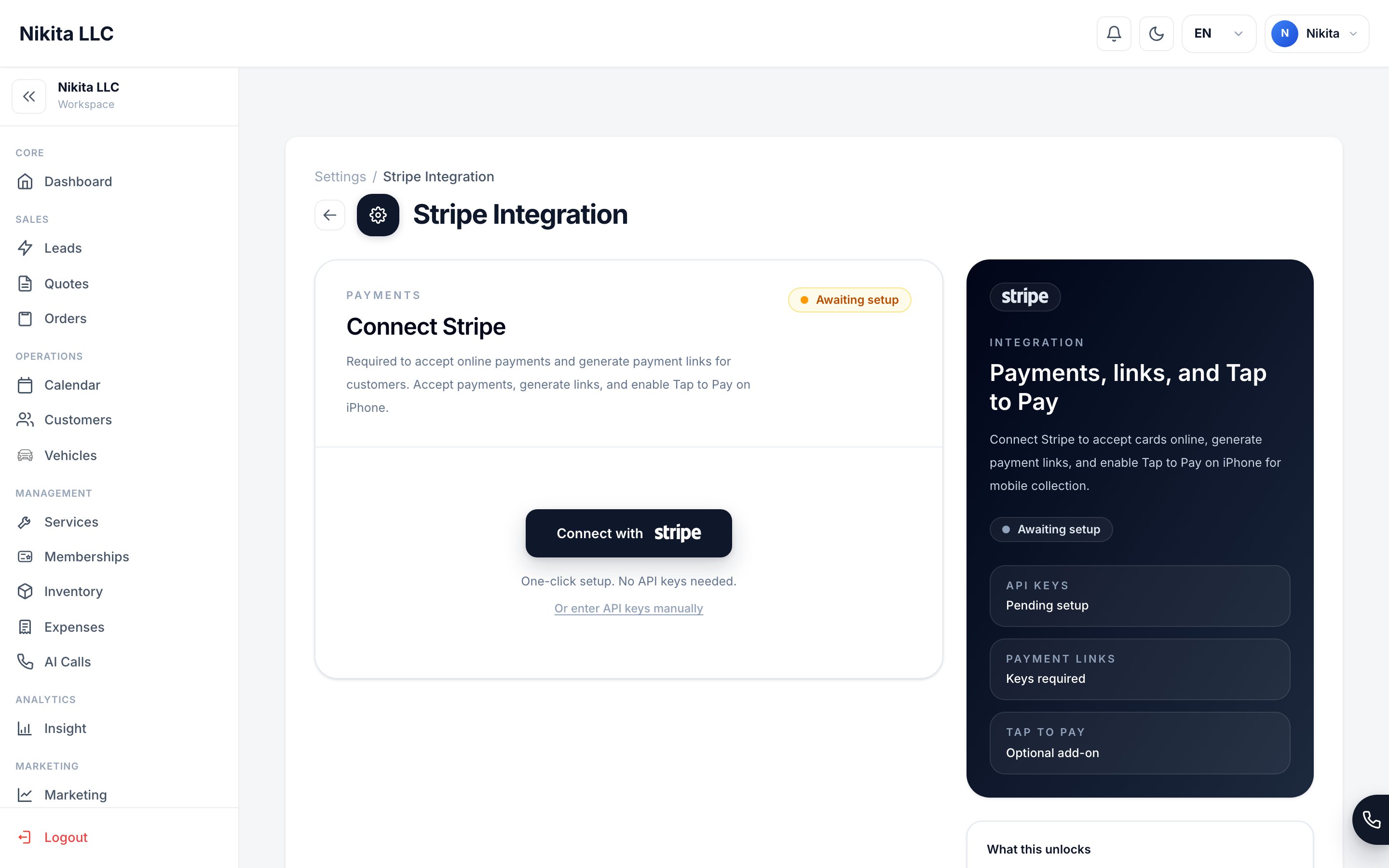
Payments connect through Stripe with one click — no card data ever lives in the CRM.
What we store vs. what we never store
The “token” is a stand-in that lets us show you “this order was paid” without ever holding the actual card. Even if someone saw it, they couldn’t use it to charge a card.
Ways to collect payment
Tap to Pay
Take a contactless card or phone tap on a supported iPhone.
Payment link
Send a secure link the customer pays from their own phone.
QR code
Show a QR code the customer scans to open the payment page.
Manual
Record cash or check payments without processing a card.
How payment security works
How payment security works
Tokenization. Instead of storing a card, the system stores a token — a unique, useless-to-thieves reference that Stripe maps back to the real card on their secure systems. This is the standard approach used across modern, reputable software.Verified payment notifications. When Stripe tells the CRM “this payment succeeded,” the CRM verifies that the message is genuinely from Stripe before marking the order paid. This prevents a fake “you got paid” message from fooling the system.
Payments guide
Set up Stripe, Tap to Pay, and payment links.
Compliance
What’s in place today and what’s planned.
Security
How your account and data are protected.
Reliability & Uptime
Where the app runs.