

When to use it
- A customer calls and you want their full story instantly.
- You’re about to start a new job and want to see their past work and saved vehicles.
- You’re managing a membership and need to see its status, renewals, and related order history.
What you’ll see
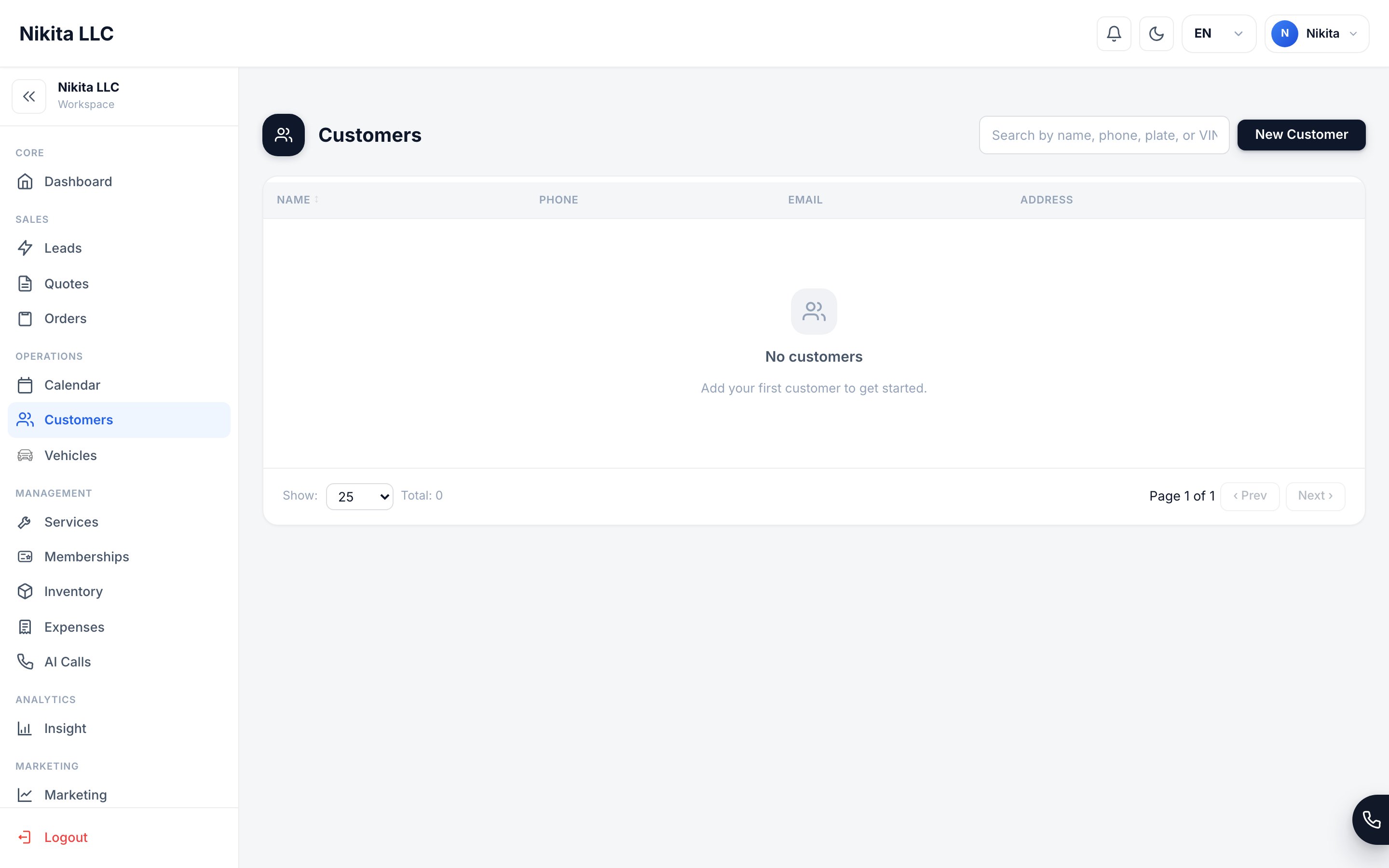
Opening the portal
1
Find the customer
Open Customers and search for the person.
2
Open their portal
Select the customer to open their unified portal view.
3
Take action from one place
Start a new order, edit their profile, manage a vehicle, or review a membership — all without leaving the screen.
Customers
Manage your customer records.
Vehicles
Track the cars you service.
Memberships
Recurring revenue plans.
Orders
Run active jobs.