

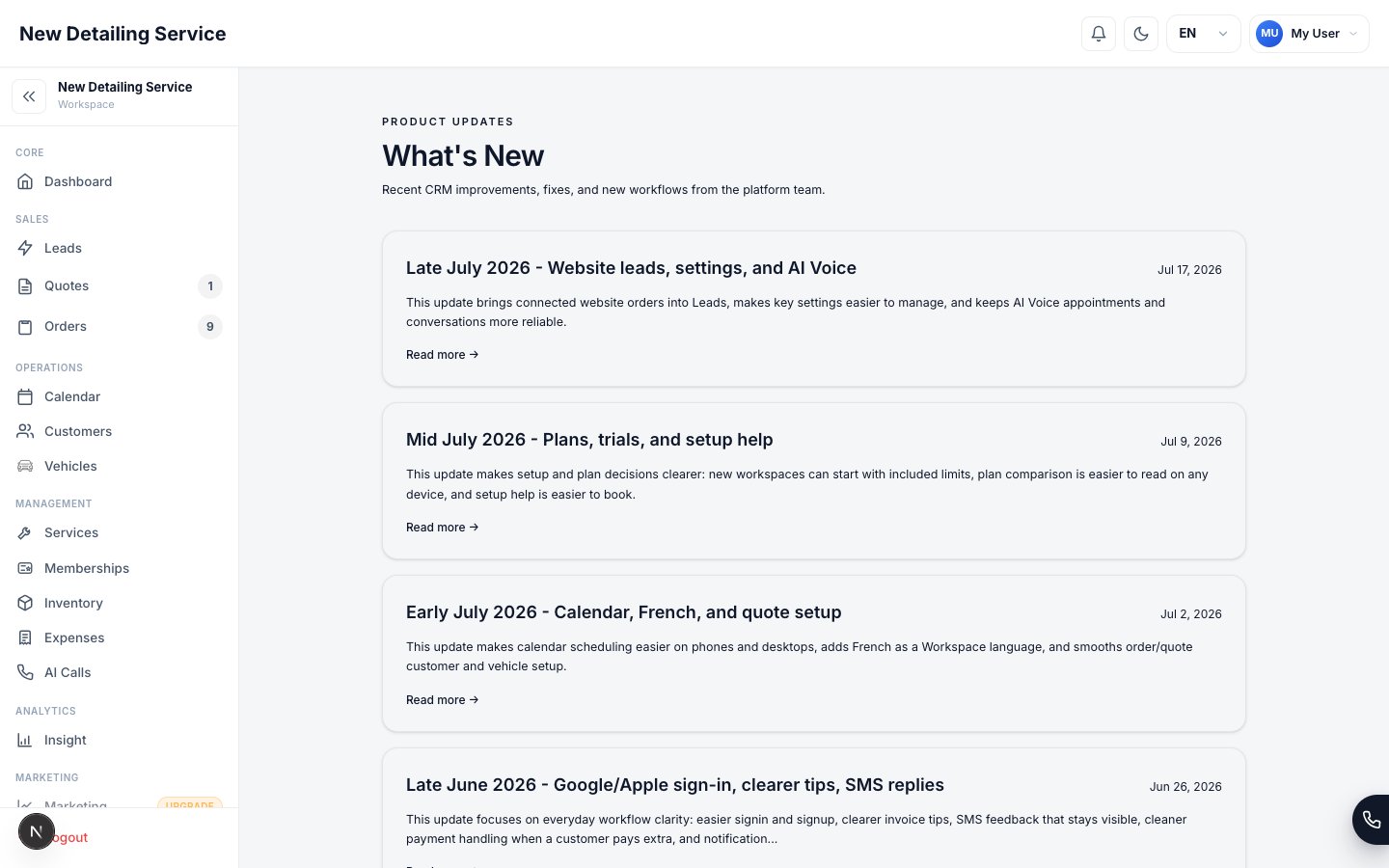
Where to find it
Open What’s New from the main menu (look for the bell or the “What’s New” link). New entries appear at the top.What you’ll see
- New features — capabilities added to the product
- Improvements — refinements to things you already use
- Fixes — issues that have been resolved
Recent highlights
Have an idea for what we should build next? Send it to support@autodetailcrm.com — feedback from real shops shapes the roadmap.
Getting started
New to the CRM? Start here.
Contact & support
Reach our team or share feedback.