

Where to find it
Open AI Calls in the main menu to see your call history, newest first.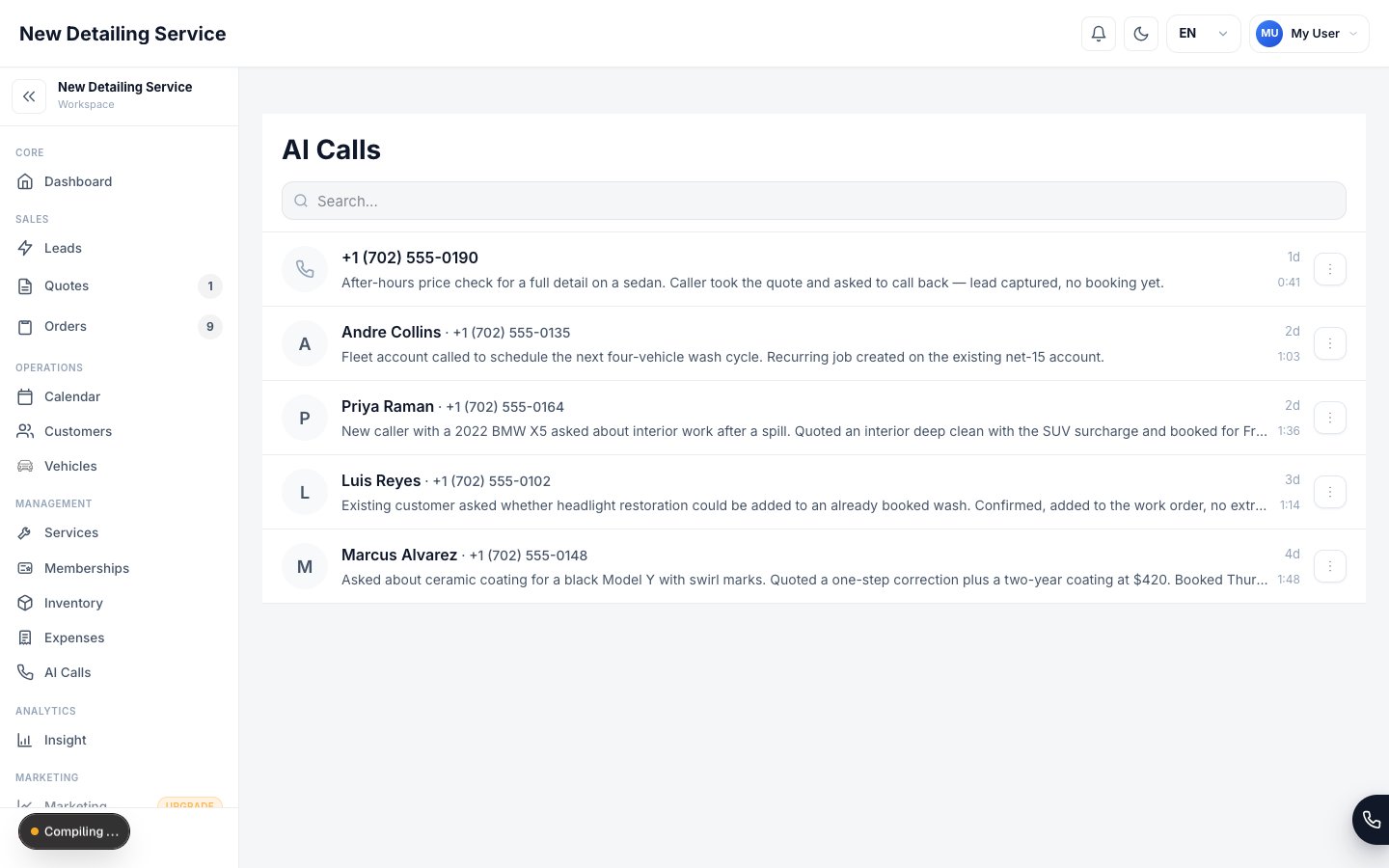
What each call shows
Select any call to open its full detail.
Linking calls to customers
When the caller’s number matches an existing customer, the call record identifies that customer automatically. The assistant can use the match to discuss relevant appointments without asking for contact information again. New callers can be captured as leads or customers through an enabled call action.Calls in progress
A call that’s happening right now appears in the list marked Live or In progress. You can watch it arrive rather than waiting for it to finish. When recording completes successfully, audio is attached after the call ends. Very short, silent, interrupted, or failed calls may not produce a recording. If the call detail shows a recording error and the audio remains unavailable, contact support with the call time and caller number.Act on a call
You don’t have to leave the list to deal with a caller. Each call carries its own actions:Blocklist
Blocking from a call adds the number to your blocklist. To review everything you’ve blocked — or to unblock in bulk — go to Settings → AI Assistant → Blocklist.AI call history is isolated to your workspace. Owners, administrators, and team members with AI Assistant view permission can open it. Authorized support personnel may access call information when needed to investigate a reported issue. See the Trust Center for the full data-handling explanation.
AI Assistant setup
Configure greeting, actions, and call handling.
AI & Call Data
What’s stored, who can see it, and AI limits.
Leads
Turn callers into tracked leads.
Customers
Customer records linked to calls.