

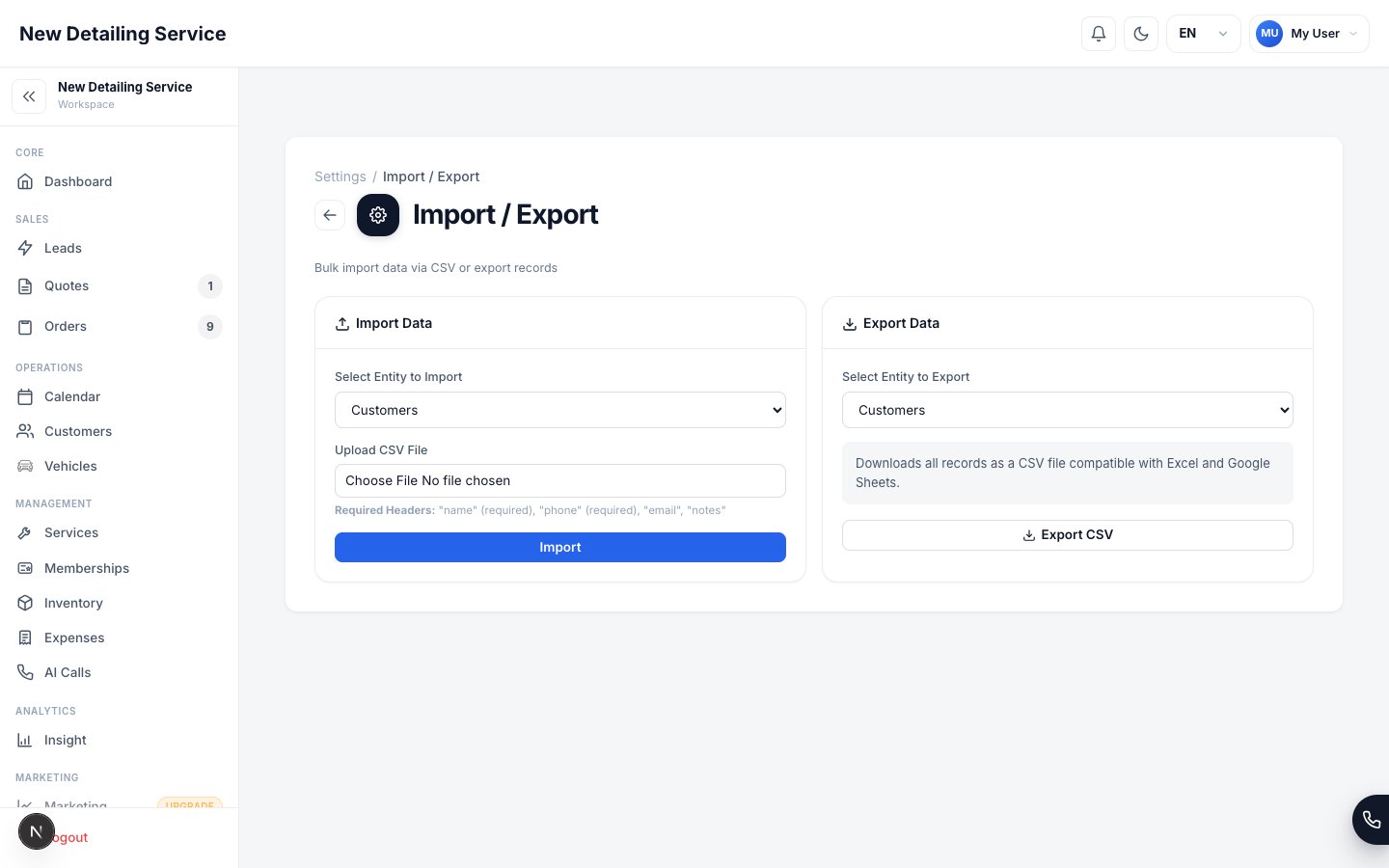
Export your CRM records as CSV for bookkeeping, backup, analysis, or migration.
What you can export
Exporting data
1
Open Import / Export
Go to Settings → Import / Export and select the Export tab.
2
Choose the entity
Select what you want to download: Customers, Vehicles, Services, Inventory, or Orders.
3
Download the CSV
Click Export. The file downloads immediately. Open it in Excel, Google Sheets, or import it into your accounting software.
Using the Orders export for accounting
The Orders export is the most useful for bookkeeping. Each row represents one order and includes:- Order number and date
- Customer name
- Order status and payment status
- Payment method (how the customer paid)
- Grand total, tax amount, tip amount
- Materials cost (COGS)
- Assigned staff member
Insights reports vs. data export
Insights reports are best for reviewing summary metrics (P&L, revenue by staff, ATV trends). Data export is best when you need raw row-level data to work with outside the CRM. Use Insights when you want answers. Use Export when you want raw data.Data Import
Import customers, vehicles, services, and inventory from CSV.
Insights
Summarized financial and operational reports with drill-down and CSV export.