

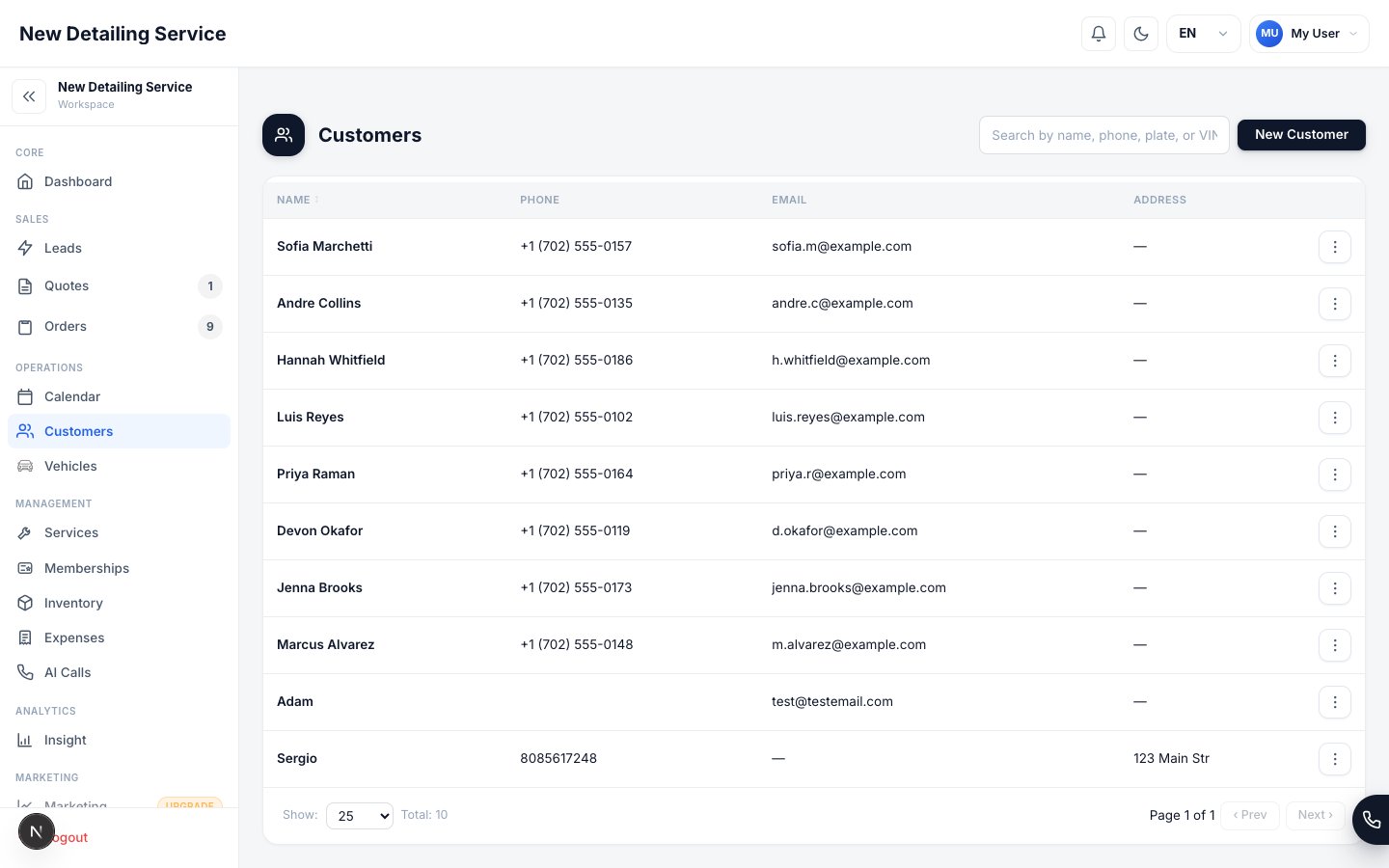
Customers list — search customer records, review contact details, and open the full profile.
What lives on a customer profile
Adding a customer
1
Open Customers and click Add
Go to Customers in the sidebar. Click Add to open the new customer form.
2
Enter their contact details
Name and phone number are the minimum required fields. Add email and address when you have them — email is needed for sending invoices and payment links, and address is useful if you do mobile service.The lead source field lets you attribute the customer to a marketing channel (Google, referral, Instagram, etc.). This feeds your marketing attribution reports.
3
Save and add vehicles
Save the customer record, then open their profile immediately and add their first vehicle. This is the step most teams skip, and it slows them down every time they try to quote that customer later.A customer without a vehicle attached can’t be quoted until a vehicle is added.
One record per real client
The most common data quality problem in any CRM is duplicate records. If the same person has two customer profiles, their job history is split and your reporting is skewed. Before creating a new customer, search for them by name or phone number. If they exist, open the existing record. A few seconds of search saves you from a cleanup problem later.Working with returning customers
For repeat customers, the profile does most of the work:- Their vehicles are already attached — no need to re-enter make, model, or body type
- Their quote and order history shows what services they’ve had before
- You can create a new quote for a returning customer in under a minute by selecting their profile and picking a vehicle
Finding customers
The customer list supports search across name, phone, and email. Use the search bar to find a specific person without scrolling. You can also filter by lead source to review customers from a particular channel.Vehicles
Add and manage vehicles attached to customer profiles.
Leads
Convert incoming leads into customer records automatically.
Quotes
Create a quote for a customer once their vehicle is attached.
Marketing
See which channels are generating your best customers.