

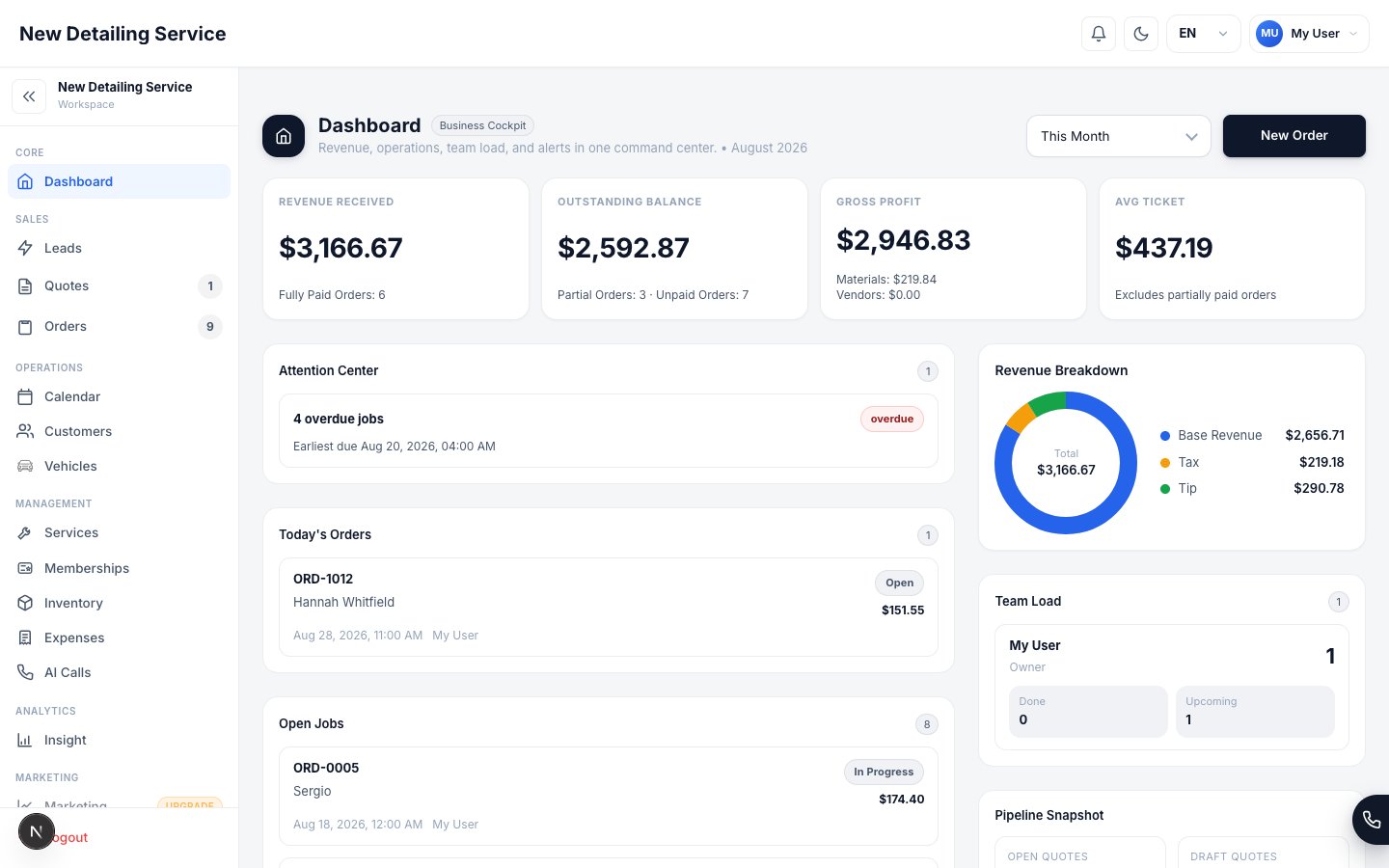
Start the day on the dashboard: revenue, open jobs, alerts, and pipeline health in one view.
The daily rhythm
1
Start on the dashboard
Open Dashboard before the day gets noisy. Check open jobs, overdue work, low stock, unassigned orders, unpaid balances, and new leads.
2
Confirm the schedule
Open Calendar and verify today’s jobs, staff assignments, shifts, and busy blocks. Fix conflicts before customers arrive or technicians roll out.
3
Work from the order
For each job, open the Order record. Keep services, vehicles, materials, photos, notes, status, signature, invoice, and payment tied to that order.
4
Close the loop at handoff
Before the vehicle leaves, confirm the job status, collect signature if needed, generate the invoice, and record payment or send a payment link.
5
Review the day
At closeout, return to Dashboard and Insights. Look for unpaid orders, missed follow-ups, low-stock items, and new leads that still need contact.
Where to look
Weekly owner review
Once a week, step back from the day-to-day workflow and review the business layer:Operating rules
- Create the record at the moment the work happens. Do not wait until the end of the week.
- If a customer has not committed, keep it as a Lead or Quote. If the job is scheduled, it belongs in Orders.
- Record every payment method in the CRM, including cash and Zelle, so reports stay useful.
- Keep vehicle body type and service duration accurate. They affect pricing and availability.
- Treat the dashboard’s attention items as a work queue, not decoration.
First order walkthrough
Walk through the full job cycle with a real customer.
Dashboard
Understand the daily command center.
Calendar
Keep schedule, shifts, and busy time aligned.
Insights
Review whether the day produced the numbers you expected.