

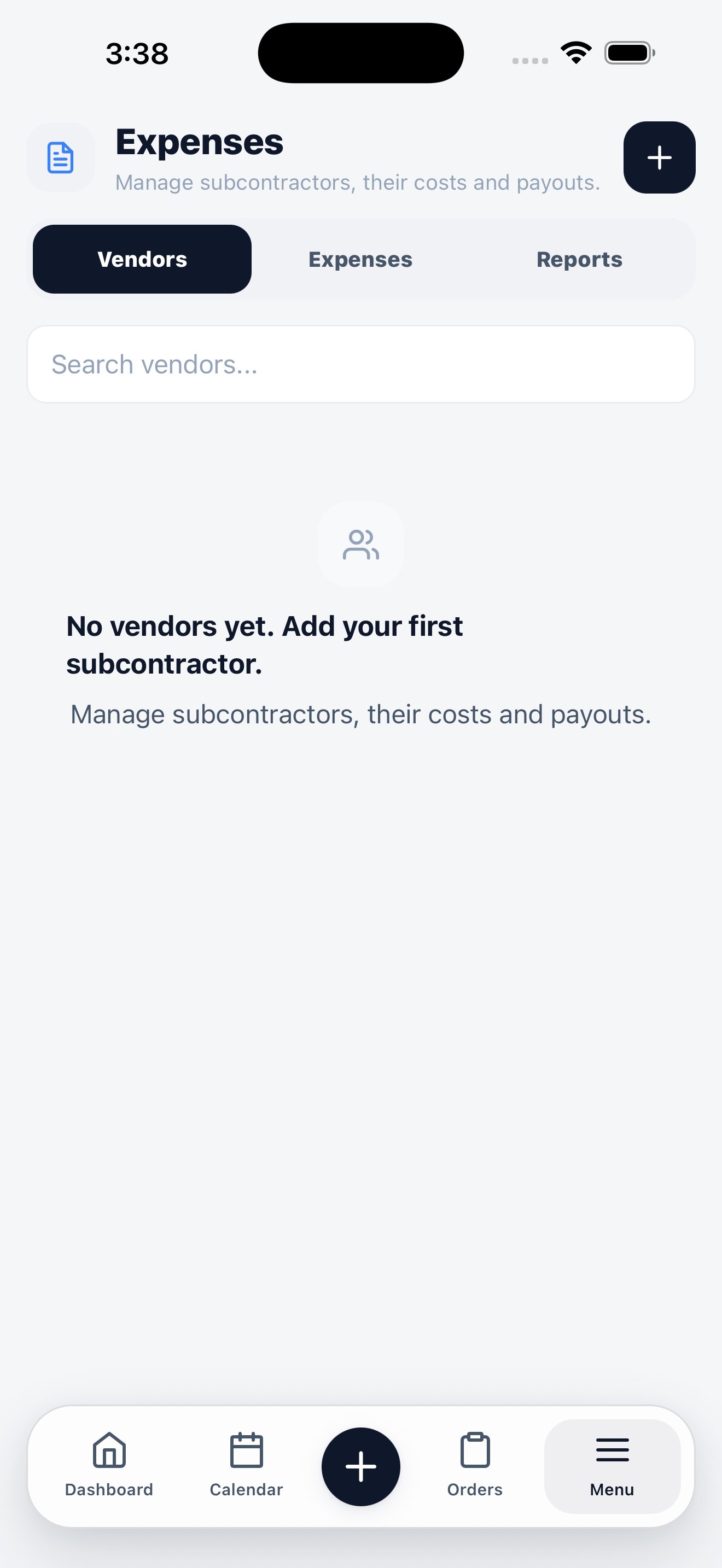
Three tabs: Vendors, Expenses, and Reports.
Three tabs
Vendors
Add a subcontractor or supplier with the + button. Set its payment terms and optional default cost, then open the vendor to review its contact details, compliance documents, related orders, and expense history.Expenses
Record vendor spend where it happens — a materials purchase, an overhead bill, or a subcontractor’s invoice. The due date follows the vendor’s payment terms by default, and you can adjust it before saving. The summary separates recorded payables from job costs that still need an expense. This prevents an order cost from disappearing just because accounts payable has not recorded it yet.An expense with an active payment cannot be edited or deleted. Void every active payment first. Once all payments are voided, you can correct or delete the expense; the voided payment history remains visible for audit purposes. Deleting an expense created from job costs returns those costs to Order costs to pay.
Reports
Review spend over time, expense-type mix, vendor concentration, spend by vendor, and year-end reporting data. For broader profitability reporting across the business, use Insights.Insights
Reports by type and date range, exportable as CSV.
Vendors on the web
Vendor records, payments, documents, and reconciliation.