

Install the app
The app is on the App Store as Auto Detailing CRM. It runs on iPhone.Auto Detailing CRM on the App Store
Download and install, then open the app and sign in.
Sign in
Sign in with the same email and password you use on the web, or with the Google account attached to your workspace. There is no separate mobile account — the app opens the same workspace with the same data and the same permissions. If your workspace hasn’t been set up yet, the app walks you through creating it before it shows you a dashboard.Find your way around
Five controls sit at the bottom of every screen:
The + button is available from every screen. You never have to navigate to a module to start a record in it.
Stay on top of changes
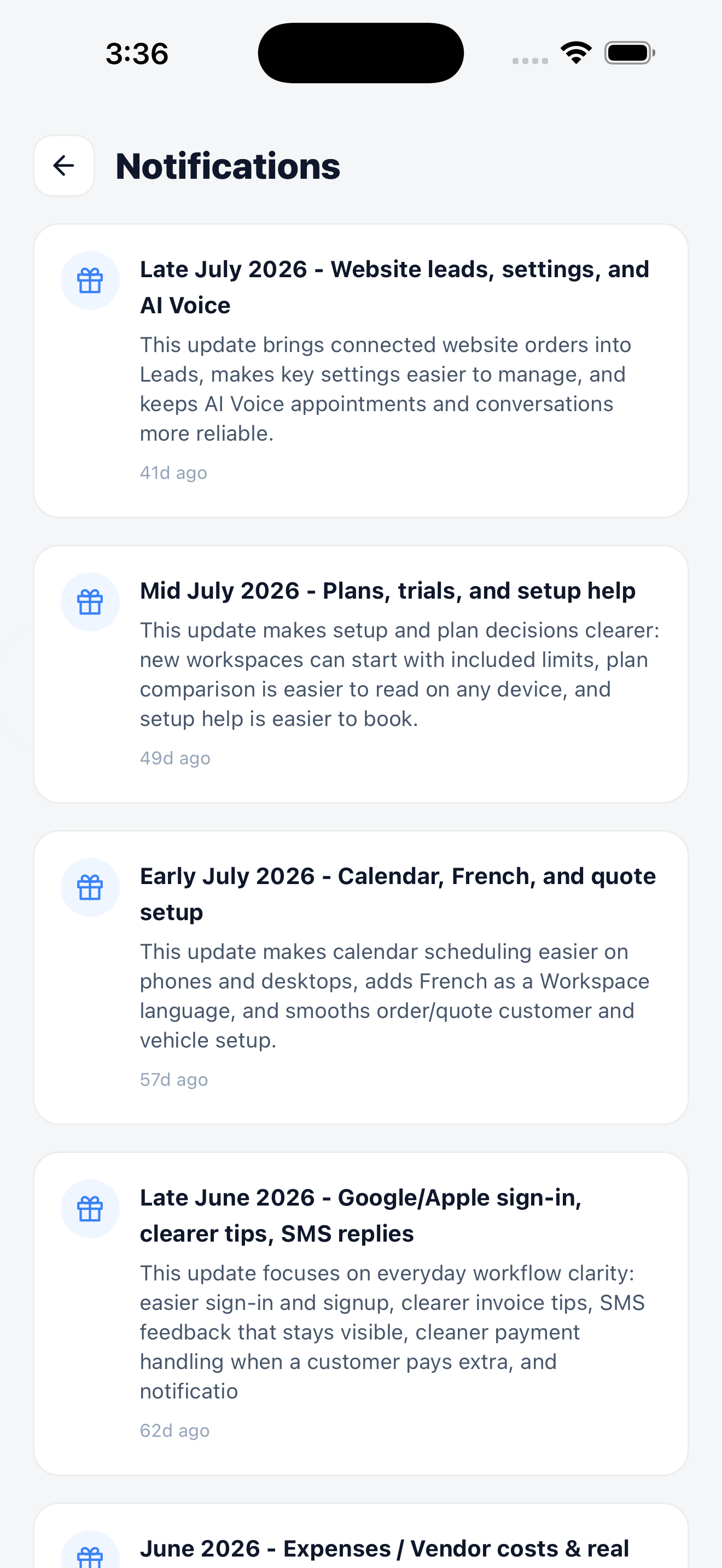
Notifications collects product updates and workspace alerts.
What to do first
1
Check your dashboard
Confirm the numbers match what you expect. Owners land on Business Cockpit; technicians land on My Day.
2
Open today's calendar
Switch to day view and confirm today’s jobs and shifts look right.
3
Create a test order
Tap + → Order and walk the four steps. Delete it afterwards.
4
Set up Tap to Pay
If you collect payment in the field, connect Stripe and enable Tap to Pay before your first job.
Set up Tap to Pay on iPhone
Accept contactless cards and Apple Pay on the phone itself.