

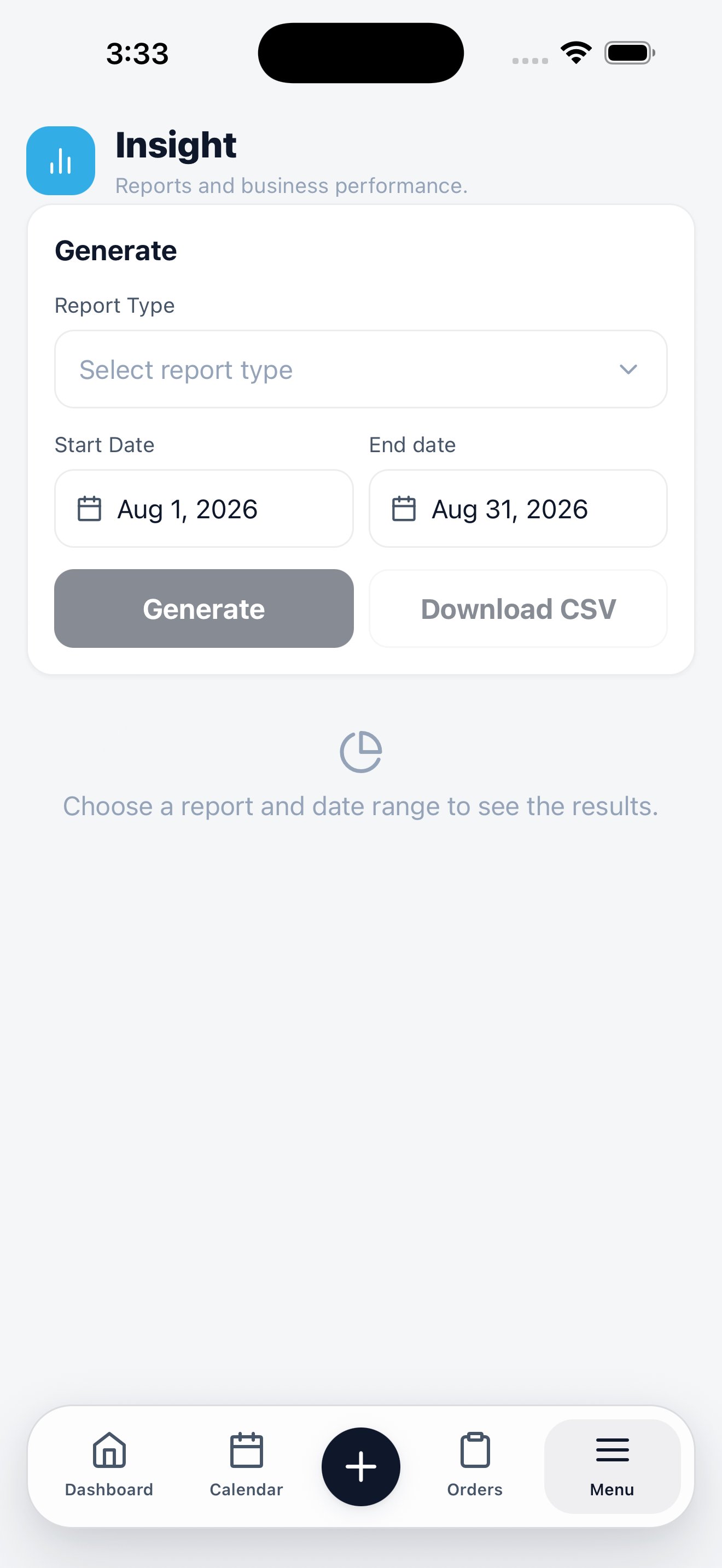
Pick a report type and a date range, then generate.
Generate a report
1
Choose a report type
The selector lists the reports available to your role.
2
Set the date range
Start and end dates bound the report. They default to the current period.
3
Generate
The report builds and displays underneath.
4
Download CSV
Export the same data if you want to work with it in a spreadsheet or hand it to a bookkeeper.
Insights or dashboard?
Insights on the web
The full report catalogue and how each metric is calculated.