

Quotes
Leads
Quotes
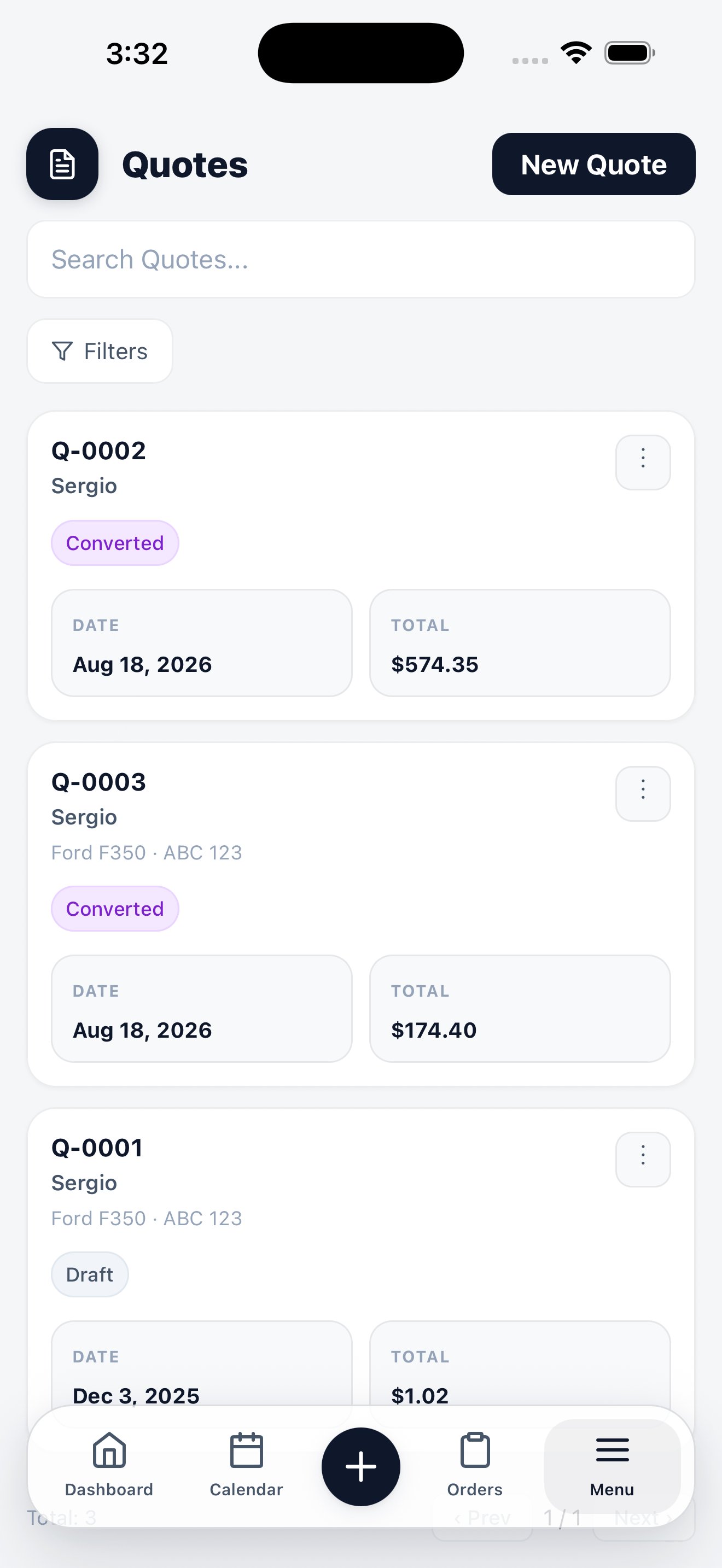
Each quote card shows its number, the customer, the date, the total, and where it stands — from Draft and Sent through Accepted, Declined, Changes Requested, or Converted. Tap New Quote to build one: pick the customer, add services, and the total assembles as you go. When the customer says yes, convert the quote into an order — the services, pricing, and customer carry across, so nothing is retyped.Manage the Quote Portal
If your plan includes Quote Portal, open a quote and choose its portal action. The native app opens a dedicated Quote Portal screen where you can:- Publish the first customer link or refresh the portal document after an edit
- Copy the link or send it by text or email
- See views, sends, PDF downloads, and the current customer response
- Expand Portal activity when you need the complete history
- Revoke a link that should no longer open
Quote Portal availability depends on your workspace plan. The ordinary quote
PDF and manual quote actions remain available separately.
Leads
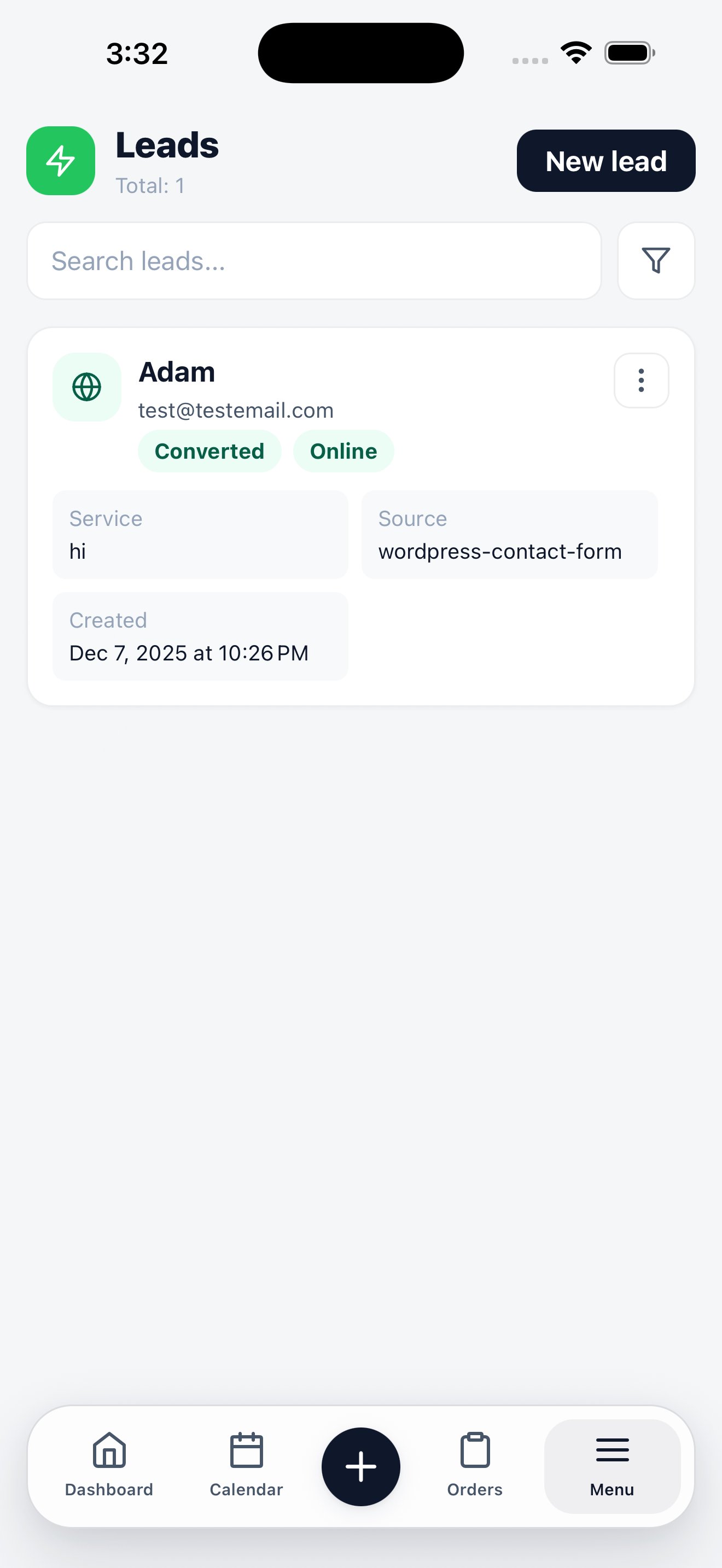
Leads are inbound enquiries — from your booking page, your website form, or entered by hand. Each shows the contact details, the requested service, when it arrived, and its source when one exists. A lead entered manually stays unattributed unless you choose a source. Status chips tell you what has happened to a lead: whether it came in Online, and whether it has been Converted into a customer and an order. Tap New lead to record one you took over the phone. Convert a lead when the job is confirmed, and the customer record is created from the lead’s details while its original attribution is preserved.Related
Quotes on the web
Quote templates, sending, and expiry.
Quote Portal
Publish, deliver, revise, and revoke secure customer quote links.
Leads on the web
Lead sources, routing, and conversion.
Website lead capture
Getting your site’s form into this list.
Online Booking
Let customers book themselves.