

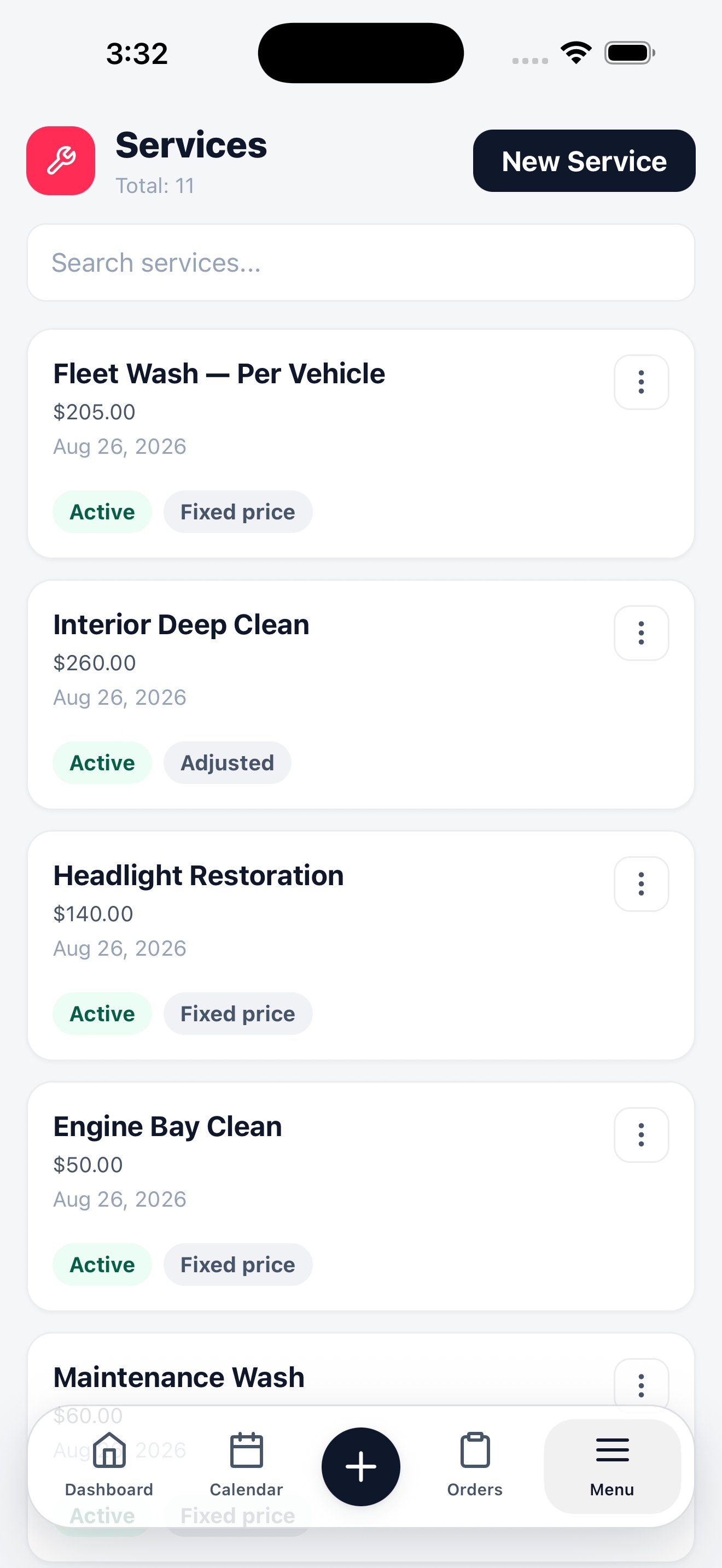
Services
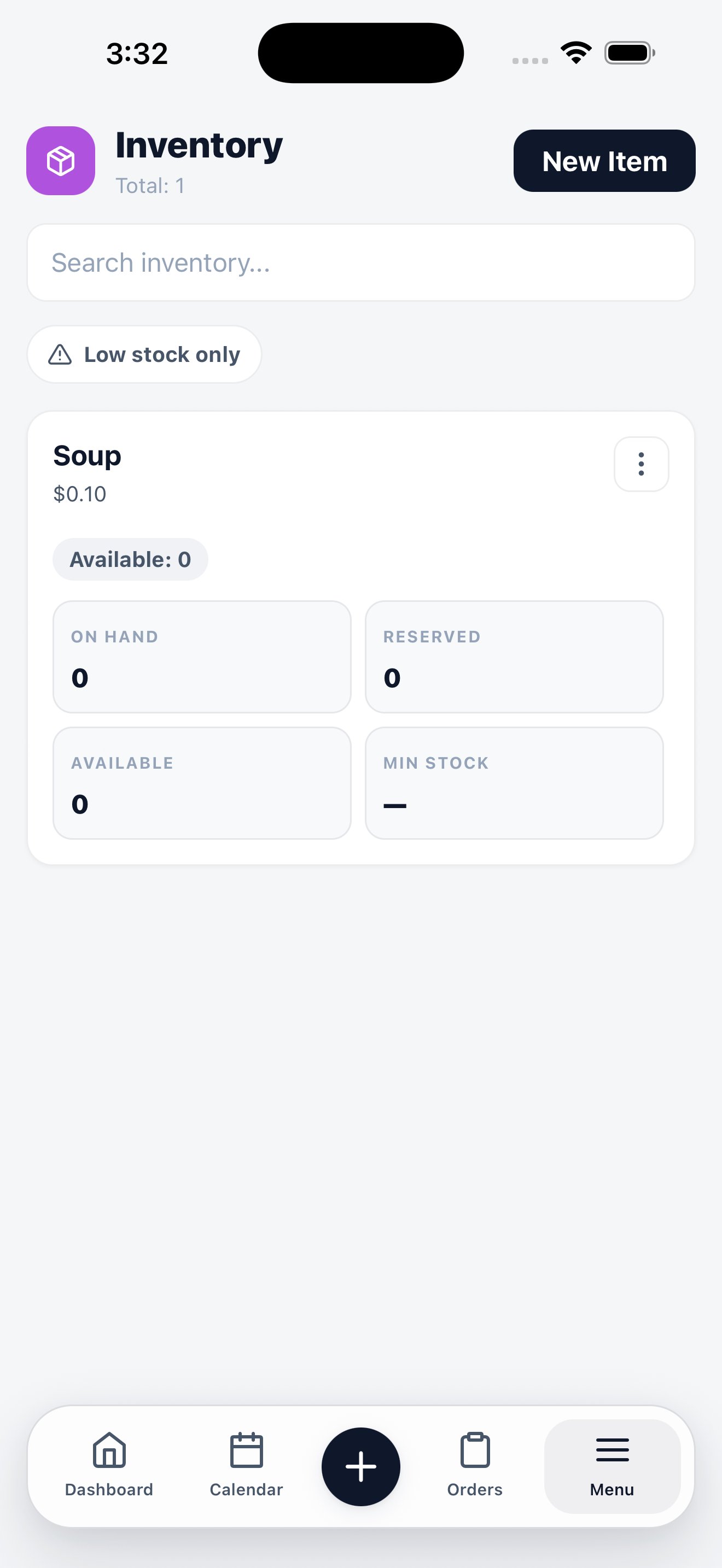
Inventory
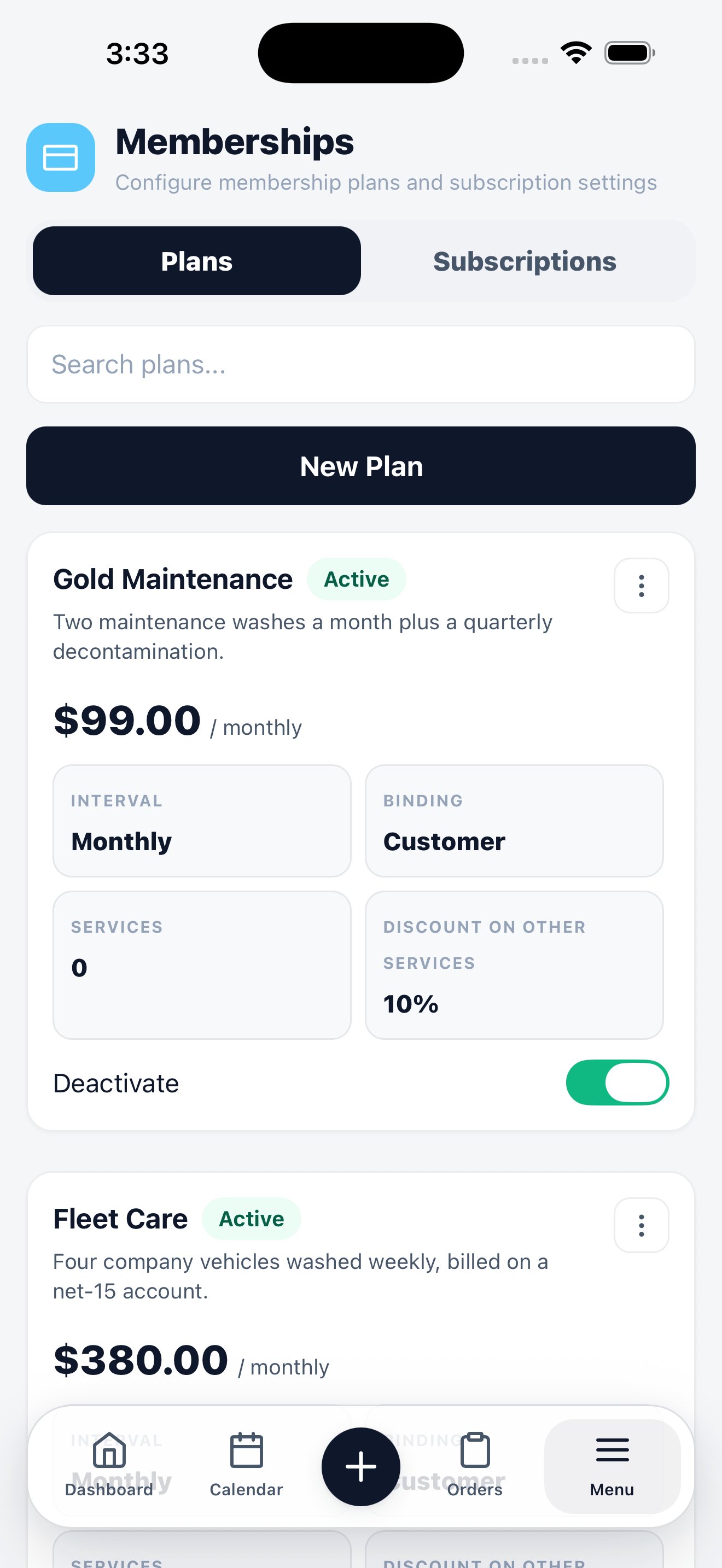
Memberships
Services
Your price list. Each service shows its name, price, and whether it’s Active — inactive services stay in your history but stop appearing in the order wizard. The Fixed price chip means the price is set. Services priced by vehicle size or condition show as Adjusted instead, and take their final price when they’re added to an order. Tap New Service to add one from the field. It becomes available in the order wizard immediately.Inventory
Materials and stock. Each item carries four counts that answer different questions:
The Low stock only filter shows what needs reordering. Materials consumed on a job are recorded from inside the order, which is what keeps cost of goods on the dashboard accurate.
Memberships
Two tabs:- Plans — the membership products you offer. Each shows its price, billing interval, what’s included, and the discount members get on services.
- Subscriptions — the customers currently on a plan.
Related
Services & pricing on the web
Pricing rules, categories, and vehicle-size adjustments.
Inventory on the web
Stock management and reorder workflow.
Memberships on the web
Plan design, billing, and member benefits.