

Customers
Vehicles
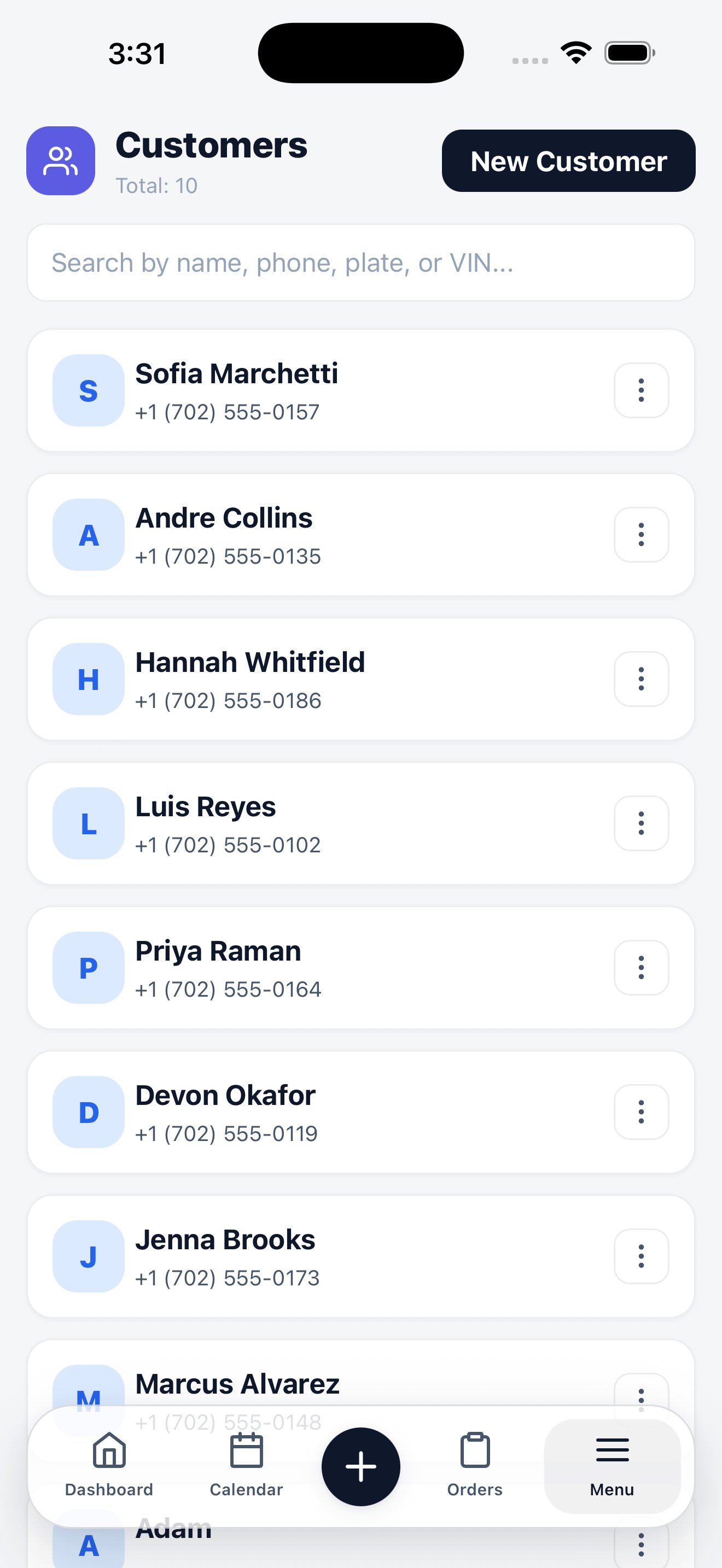
Customers
Search by name, phone, or email. Open a record to see and edit contact details, and to reach the customer’s vehicles and order history. Create a customer three ways:- Menu → Customers → New Customer
- + → Customer from any screen
- Inside the order wizard, without leaving the order you’re building
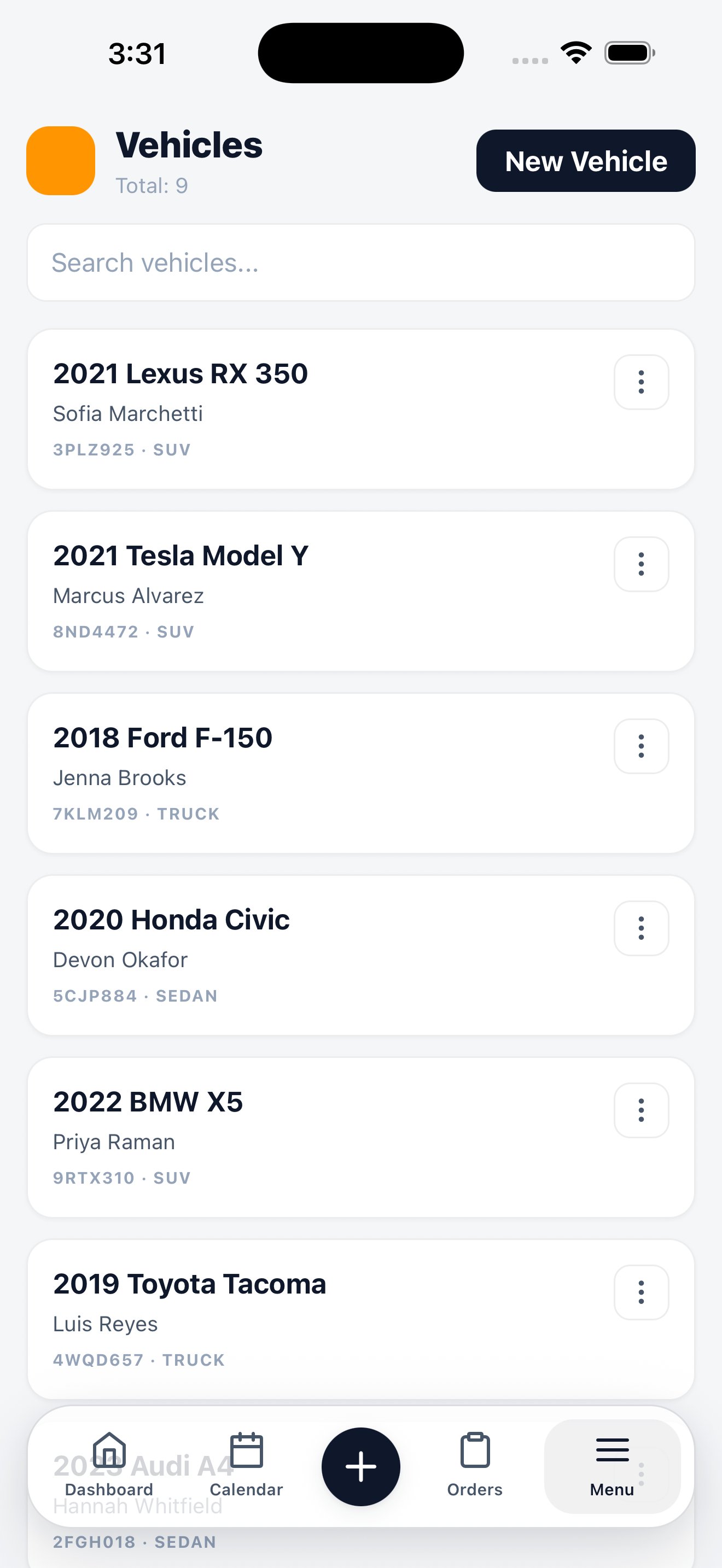
Vehicles
Each vehicle shows year, make, model, and its owner. Open one to edit its details or see the work it’s had done. The fastest way to add a vehicle in the field is the camera. Scan the VIN plate or the license plate and the app fills the fields it can read.VIN & plate scan
How scanning works, what it fills in, and when to fall back to typing.
Related
Customers on the web
Customer records, history, and merging.
Vehicles on the web
Vehicle records and body type configuration.