> ## Documentation Index
> Fetch the complete documentation index at: https://docs.autodetailcrm.com/llms.txt
> Use this file to discover all available pages before exploring further.

# Vendors & Expenses on Mobile

> Track subcontractors, record what you spend, and pull expense reports from the phone.

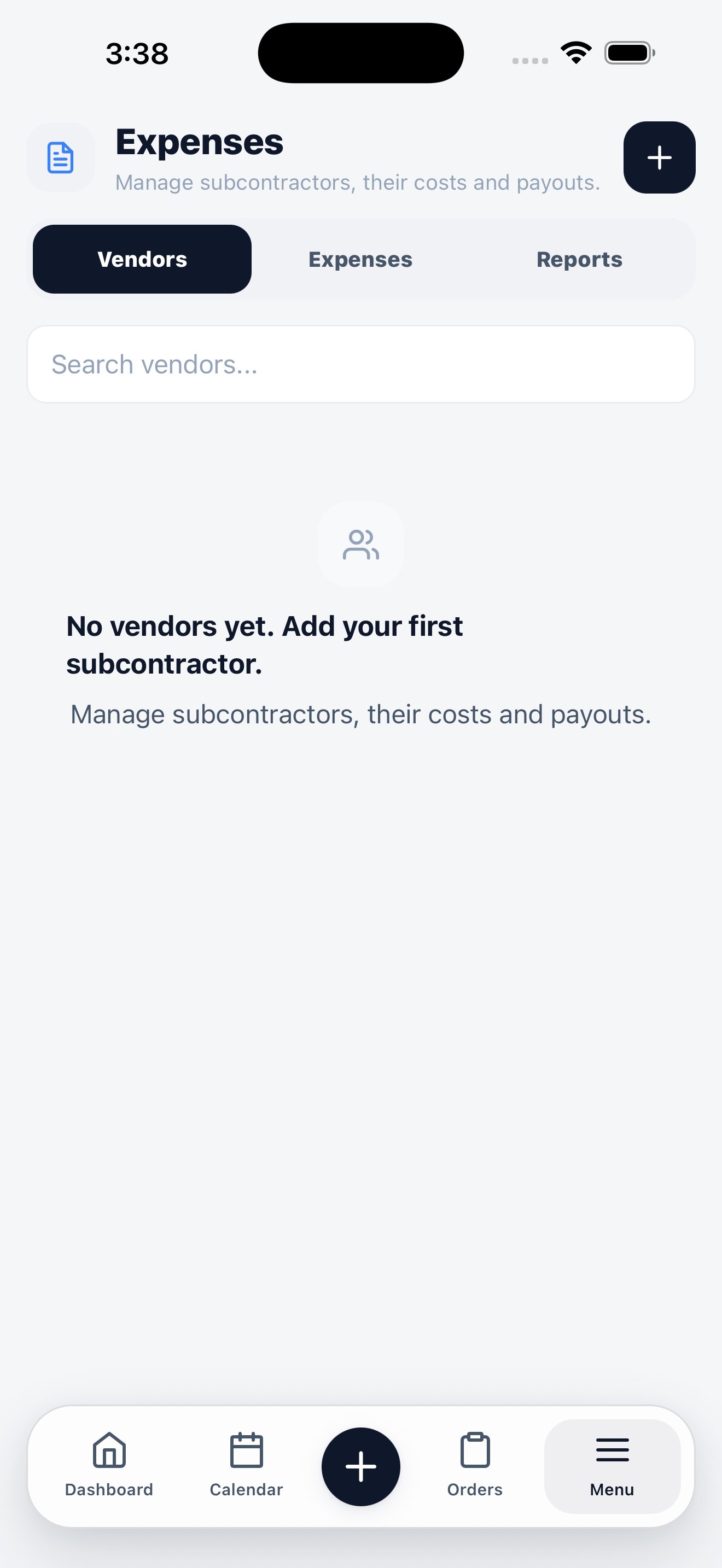
Everything on the cost side of the business, under **Menu → Vendors**.

<div className="phone-figure">
  <div className="phone-frame phone-frame--sm">
    <img src="https://mintcdn.com/adcrm/S1CKTz6_LFbXLYWl/images/mobile/vendors.png?fit=max&auto=format&n=S1CKTz6_LFbXLYWl&q=85&s=89fc0193139612d6f87bee009e66d121" alt="Mobile vendors screen showing the Vendors, Expenses, and Reports tabs with an empty vendor list." width="1320" height="2868" data-path="images/mobile/vendors.png" />
  </div>

  <p className="phone-caption">Three tabs: Vendors, Expenses, and Reports.</p>
</div>

## Three tabs

| Tab          | What it holds                                                   |
| ------------ | --------------------------------------------------------------- |
| **Vendors**  | Your subcontractors and suppliers, with their costs and payouts |
| **Expenses** | Individual spend records, added as they happen                  |
| **Reports**  | Spend summarised, so you can see where money is going           |

## Vendors

Add a subcontractor with the **+** button. Once a vendor exists, expenses and payouts can be attributed to them, and their total cost shows up against your margins.

## Expenses

Record spend from where it happens — the supply shop, the fuel stop, the subcontractor's invoice. Expenses recorded here feed the vendor figure on your dashboard, which is what makes gross profit a real number rather than revenue minus materials.
<Tip>
  The reason to do this on the phone is timing. An expense recorded at the counter is accurate; one reconstructed from receipts a week later usually isn't.
</Tip>

## Reports

Summarised spend by vendor and period. For deeper reporting across the whole business, use **Insights**.

<CardGroup cols={2}>
  <Card title="Insights" icon="chart-line" href="/mobile/insights">
    Reports by type and date range, exportable as CSV.
  </Card>

  <Card title="Vendors on the web" icon="desktop" href="/guides/vendors">
    Vendor records, payouts, and reconciliation.
  </Card>
</CardGroup>
